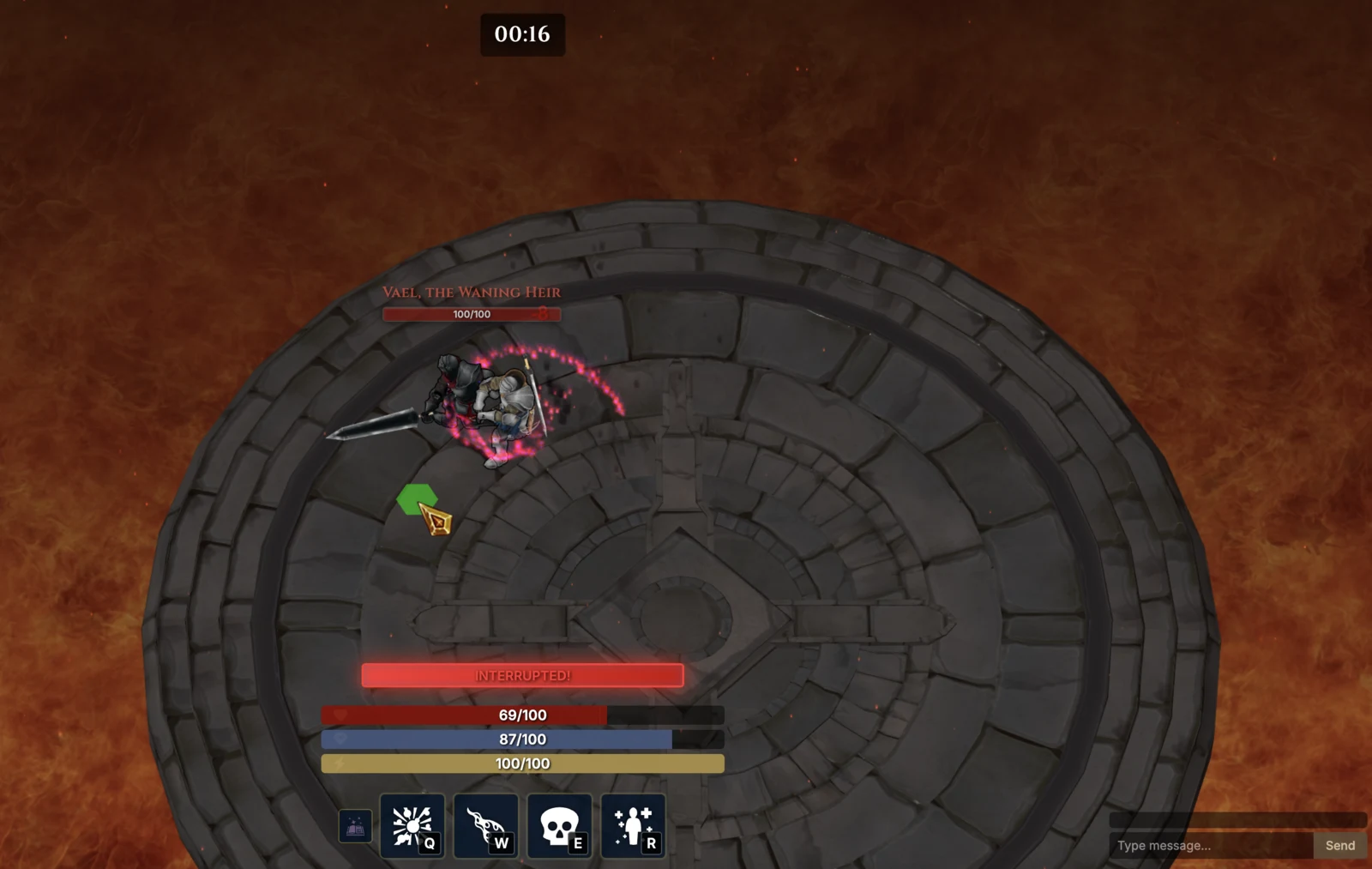
It knows the project before you explain it.
Engine, version, language, project root, and engine-specific rules are loaded into every task. Fresh folder? BIGGI can scaffold the project first.
BIGGI works beyond the codebase. It opens the engine, reads the console, inspects scenes, repairs what broke, and runs the game again until there is evidence. Connect your own provider key locally to start; managed BIGGI models are coming later.
> curl -fsSL https://biggi.dev/install.sh | sh> irm https://biggi.dev/install.ps1 | iexDetects your platform, downloads the matching VSIX, and installs it with the VS Code CLI. Download manually
Engine, version, language, project root, and engine-specific rules are loaded into every task. Fresh folder? BIGGI can scaffold the project first.
A warm Unity editor bridge, deterministic Godot runner, or managed browser session gives the agent real compile status, console output, scene state, tests, screenshots, and profiler data.
A stack trace is only half the story. BIGGI maps failures back to the exact node, GameObject, framework object, prefab, missing resource, shader, or unassigned field. In Unity and Godot it can repair structured scene data without blind text edits.
Replay input, invoke explicit game actions, watch semantic state across frames, guard invariants, and carry the same tracked scenario into CI. Success means a passing run with evidence, not a confident paragraph.
BIGGI reads the exception, finds the component, inspects the loaded scene, wires the missing reference through Unity's serialization APIs, and replays the failing scenario.
One loop. Five engine-aware tools. A result you can review.
Capabilities are explicit. BIGGI tells you what it can verify in the current project.
Compile autopilot, console and play-mode control, safe scene and prefab edits, project-owned state, action, and invariant contracts, Animator/NavMesh/physics observation, EditMode/PlayMode tests, percentile profiling, and scenario replay.
2021.3 LTS → Unity 6Runs, structured console parsing, GUT and gdUnit results, .tscn-safe scene edits, live tree queries, screenshots, profiling, scripted input, and scene-aware root causes.
Godot 4.x · GDScriptManaged dev servers and browser pages, combined browser/server/network/shader errors, framework-aware live trees, safe build-gated asset moves, semantic runtime contracts, seeded input replay, screenshots, video, traces, percentile profiling, and production-preview verification.
Phaser · Three.js · Babylon.js · PixiJSCommon Browser Game Loop: custom Canvas/WebGL, Excalibur, Kaplay, and Matter.js. Detection and engine-aware context: Unreal, Bevy, MonoGame, and LÖVE.
Chat, engine tools, permissions, snapshots, and reviewable evidence stay beside the code that produced them.
Explore the VS Code extension →Parallel sessions live in isolated git worktrees so you can compare implementations, models, and live diffs before choosing what to keep.
Explore Agent Manager →Games are systems in motion, not folders full of code.
Read why we're building BIGGI →BIGGI can cross the boundary between source code and the running game. In supported Unity, Godot, and browser projects it can run the engine or managed browser, inspect scene and runtime state, test, profile, capture screenshots, and replay gameplay before it claims a change works. Unity and browser projects can also expose bounded state, invariants, and explicit actions so the agent works with project-owned meaning instead of guessing at arbitrary runtime fields.
Unity 2021.3 LTS through Unity 6, Godot 4.x, Phaser, Three.js, Babylon.js, and PixiJS have deep Game Loop adapters today. Custom Canvas/WebGL, Excalibur, Kaplay, and Matter.js share the common Browser Game Loop. Unreal, Bevy, MonoGame, and LÖVE receive automatic detection, engine context, and specialized agents without pretending every runtime capability exists everywhere.
Yes. The VS Code extension is MIT licensed. Bring an API key for your preferred provider, use provider-native login, or connect a local model. Managed BIGGI gateway access is coming later.
Yes. game_new can scaffold a ready-to-run Unity, Godot, or TypeScript/Vite browser project, detect projects one folder below the workspace, and hand the new project directly to the Game Loop. Browser templates include Phaser, Three.js, Babylon.js, PixiJS, and Canvas.
Yes. Scenarios can live in .biggi/playtests and run through the Unity editor bridge or batch mode, headless Godot, or managed Chromium, Firefox, and WebKit sessions. Results include stable exit codes, JSON, JUnit, screenshots, and replay evidence.
Open source. Bring any model. Install the matching VS Code extension for your machine.
> curl -fsSL https://biggi.dev/install.sh | sh> irm https://biggi.dev/install.ps1 | iexDetects your platform, downloads the matching VSIX, and installs it with the VS Code CLI. Download manually