
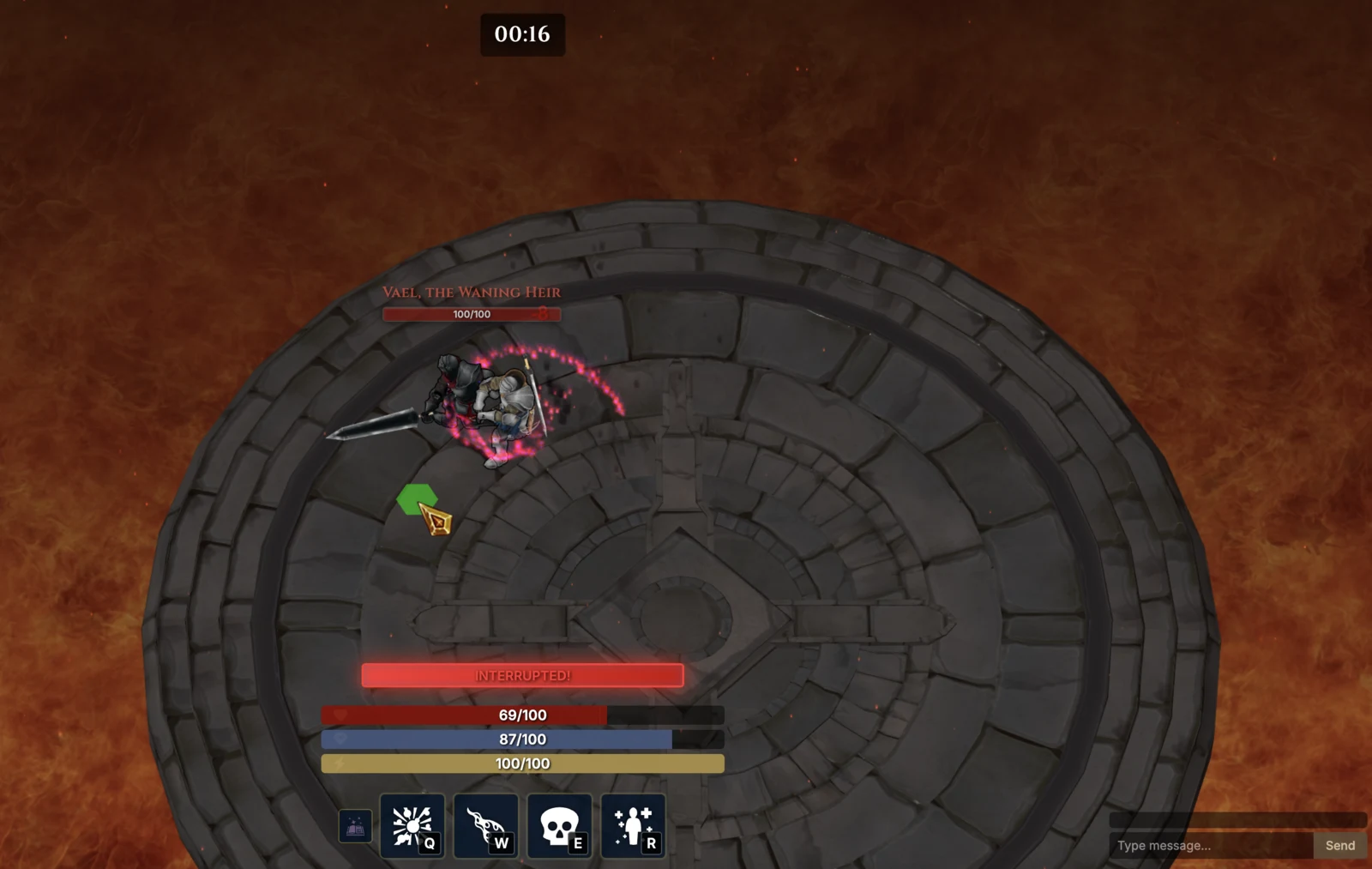
ENGINE LINK ESTABLISHED

Code is only half the game.

The Game Loop gives BIGGI a disciplined route from source code into the running engine—and back with evidence. It is how the agent knows a mechanic works instead of merely predicting that it should.

A closed verification circuit

One task. Five engine-aware stages.

01

Detect

Read the engine, version, language, project root, packages, and rules before touching code.

02

Run

Choose the warm editor bridge or a clean engine process and capture the engine's real verdict.

03

Inspect

Connect stack traces to scenes, objects, resources, serialized fields, and live runtime state.

04

Repair

Use structured engine-aware edits for scenes, prefabs, references, assets, and scripts.

05

Prove

Replay input, assert state, run tests, profile frames, and preserve screenshots or CI evidence.

Deep support today

Two engines. No imaginary parity.

BIGGI exposes only the operations each engine can support honestly. When an editor, display, package, or license is missing, the tool returns the boundary and the next step.

U
UNITY GAME LOOP

Editor-native when warm. Batchmode when cold.

  • Warm local editor bridge with domain-reload recovery
  • Compile autopilot and structured Unity console errors
  • Static and live scene queries, including runtime clones
  • SerializedObject scene and prefab edits with Undo
  • GUID-safe asset moves, reference graphs, and .meta hygiene
  • Project-owned state, invariant, and synchronous action contracts
  • Animator, NavMesh, physics, and optional Input System snapshots
  • EditMode/PlayMode tests and warm-up profiling with p50/p95/p99
  • Semantic scenarios with watches, invariant guards, and provenance
Unity 2021.3 LTS → Unity 6
G
GODOT GAME LOOP

Headless-first, scene-aware, and test-framework fluent.

  • Godot 4.x runner with deterministic frame limits
  • Console parsing that catches script errors even on exit code 0
  • Static .tscn and live runtime tree inspection
  • Integrity-checked scene edits and resource references
  • GUT, gdUnit4, and zero-dependency BIGGI test results
  • Screenshots, performance monitors, and scene-aware root causes
  • Frame-stepped input scripts with runtime assertions
Godot 4.x · GDScript
Project-owned runtime contracts

Let the game explain what matters.

Mark bounded state, invariants, and synchronous actions in a Unity project. BIGGI can discover them, watch them across frames, invoke them by name, and preserve exactly what it observed—without pretending arbitrary runtime introspection is safe or reliable.

OBSERVE

Read the state your game considers meaningful.

Discover bounded project contracts or inspect supported Animator, NavMesh, Rigidbody, Rigidbody2D, and Input System state without opening arbitrary runtime memory.

catalog → query → frame-stamped watch
ACT

Call an explicit gameplay verb.

Invoke one project-owned synchronous action with validated named arguments, then observe the resulting state. The game defines the permission boundary and vocabulary.

validated args → one action → bounded result
PROVE

Keep invariants true across the scenario.

Guard every step with semantic invariants, retain watch timelines, and carry resolved contract signatures and evaluations into JSON and JUnit evidence.

invariants → provenance → durable evidence
$biggi game contracts initPackages/com.biggi.contracts ready
Version the proof

The playtest survives the chat session.

Keep scenarios under .biggi/playtests and replay them through the open editor or CI. Scenarios can invoke contracts, guard invariants, wait on semantic state, and retain bounded watch timelines. Results include resolved controls and contract signatures, frame-stamped evidence, screenshots, engine version, and scenario hash.

Engine-aware beyond the deep loop

Unreal · Bevy · MonoGame · LÖVE · Phaser · Three.js · Babylon.js · PixiJS · Excalibur · Kaplay · Matter.js

Detection, project context, specialist agents, and engine rules—without claiming runtime tools that are not there.
GAME LOOP READY

Let the running game have the final word.

Start in VS Code, continue in the terminal, and keep the same evidence in CI.

Install BIGGI