
The engine is in the room.
Chat, engine tools, permissions, snapshots, diffs, and parallel agents share one workspace-aware runtime—without turning your editor into a dashboard.
> curl -fsSL https://biggi.dev/install.sh | sh> irm https://biggi.dev/install.ps1 | iexDetects your platform, downloads the matching VSIX, and installs it with the VS Code CLI. Download manually
Run the game from the conversation
Engine actions appear as first-class, reviewable tools. BIGGI can read the real console, query a scene, repair a serialized reference, replay the failure, and attach the evidence without asking you to shuttle errors between windows.
- Unity bridge, Godot runner, or managed browser session selected automatically
- Static and live scene queries with root-cause hints
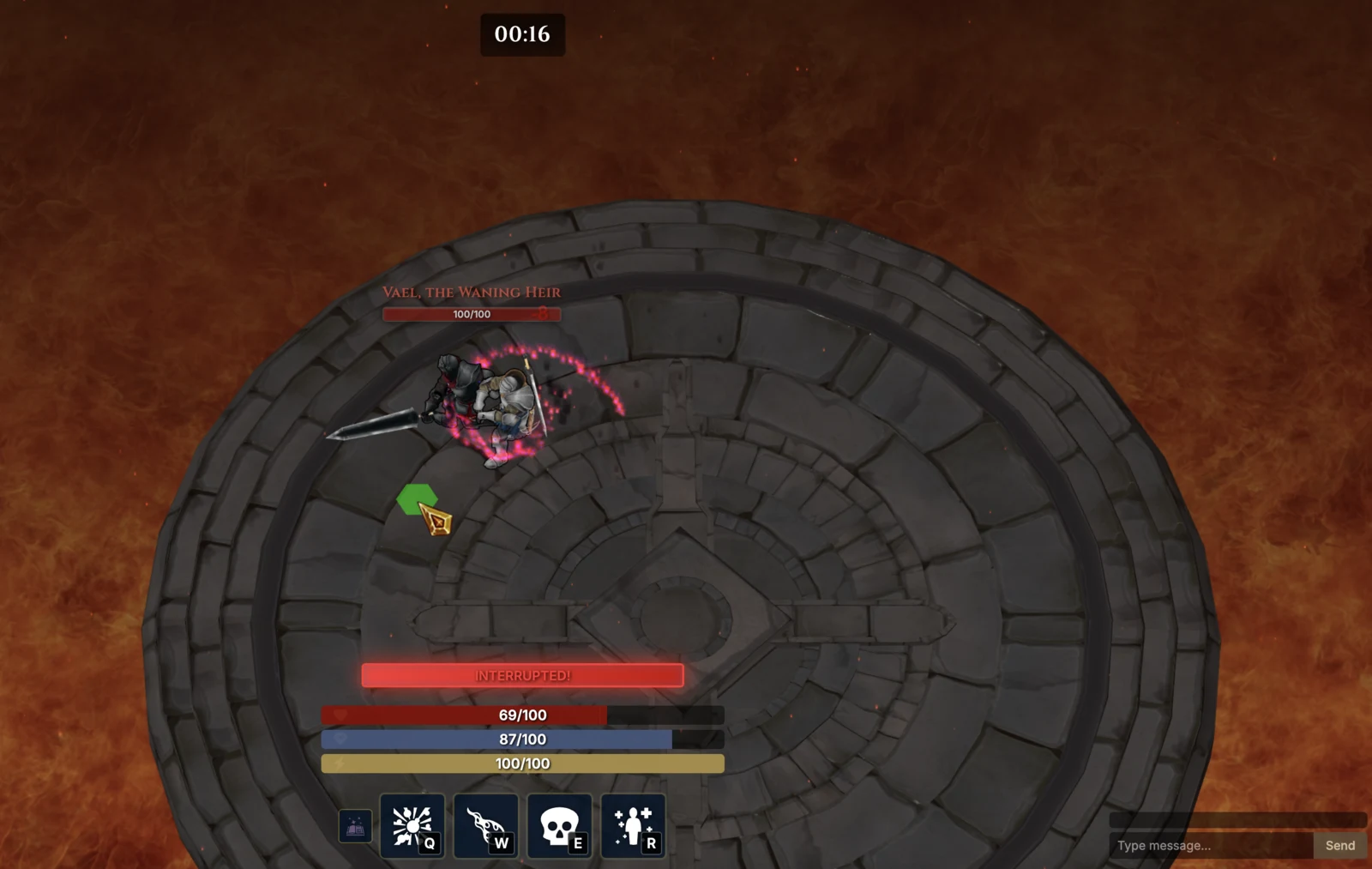
- Tests, screenshots, profiling, and playtests rendered in chat
Explore several implementations safely
Start independent tasks or ask for up to four versions of the same idea. Each worktree has its own session, branch, terminal, live diff, permissions, and model.
- Parallel worktrees keep experiments off your working branch
- Compare models or approaches against the same prompt
- Apply selected files locally, merge, or open a pull request
Every change leaves a trail
Open the diff attached to a message, inspect unified or split views, and use Git-backed snapshots when you need to return to an earlier state.
- Line-level diffs tied to the message that caused them
- Granular Allow, Ask, or Deny permissions per tool
- Snapshots make agent changes reversible from chat
Before you install.
Does the Game Loop run inside VS Code?
Yes. The extension bundles and starts its own local BIGGI runtime. Unity uses the running editor bridge when available, Godot runs headlessly or in a window, and browser games use a managed dev server and isolated browser page for visual evidence.
How do parallel agents avoid overwriting each other?
Agent Manager can put every task or alternative version in its own git worktree. You review each live diff and decide whether to apply files locally, merge the branch, or open a pull request.
Do I have to use the BIGGI gateway?
No. The BYOK-first launch uses provider keys you already have, provider-native OAuth, or a supported local model. Managed BIGGI gateway access is coming later.
Does it work in VS Code-compatible editors?
BIGGI targets standard VS Code APIs and supports VSCodium. Other forks can vary when they restrict extension APIs or marketplace installation.
Put the running game beside the code.
Install the matching VS Code extension for your machine.
> curl -fsSL https://biggi.dev/install.sh | sh> irm https://biggi.dev/install.ps1 | iexDetects your platform, downloads the matching VSIX, and installs it with the VS Code CLI. Download manually